
CONNECT! · Machine data & monitoring
CONNECT! From PLC to dashboard.
CONNECT! brings available PLC and sensor data together in dashboards, trends and alerts for production, maintenance and management.
Which machine readings are you still copying by hand?
An operator records a stoppage in Excel. It appears in a report later. If the controls already provide the signal, CONNECT! can collect that record directly from the machine. Operator input is still needed for causes the PLC cannot identify. Your existing reporting can remain part of the process.
We start with the question you need to answer: investigating a stoppage, following production or viewing data remotely. We then establish which signals are available, how they are stored and who needs the overview.
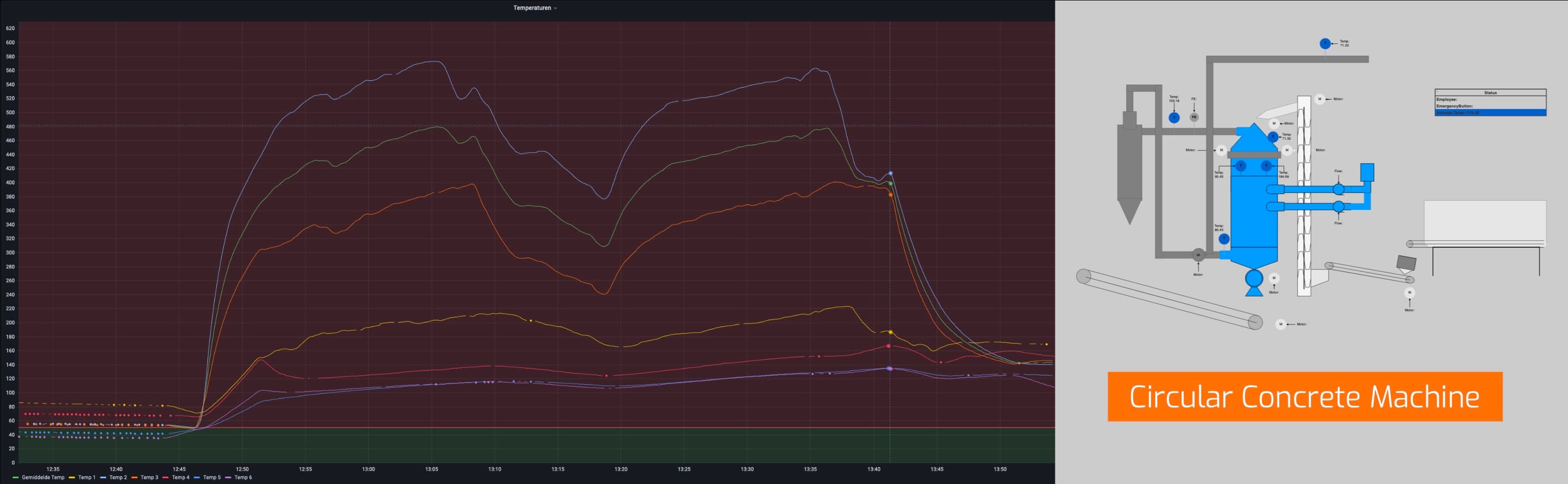
Connect! · Circular Concrete Machine
No fixed mains connection. No wired internet.
100,000 events a day, in this application.
GCG · Project visualization
GCG · OT/IT
Data collection and storage.
PLC and sensor values are sent over the industrial network to a server or database. Dashboards display the stored data.
Machine
PLC / HMI / SCADA
Industrial network
Edge
OPC UA / MQTT
Server / database
Cloud
Dashboard / application
Insight
Example data flow. Configuration varies by installation. See the technical considerations.
Connect! Industry
What it looks like.
A home screen with live measurement values and a process overview with linked measurement points, as configured for a production line.
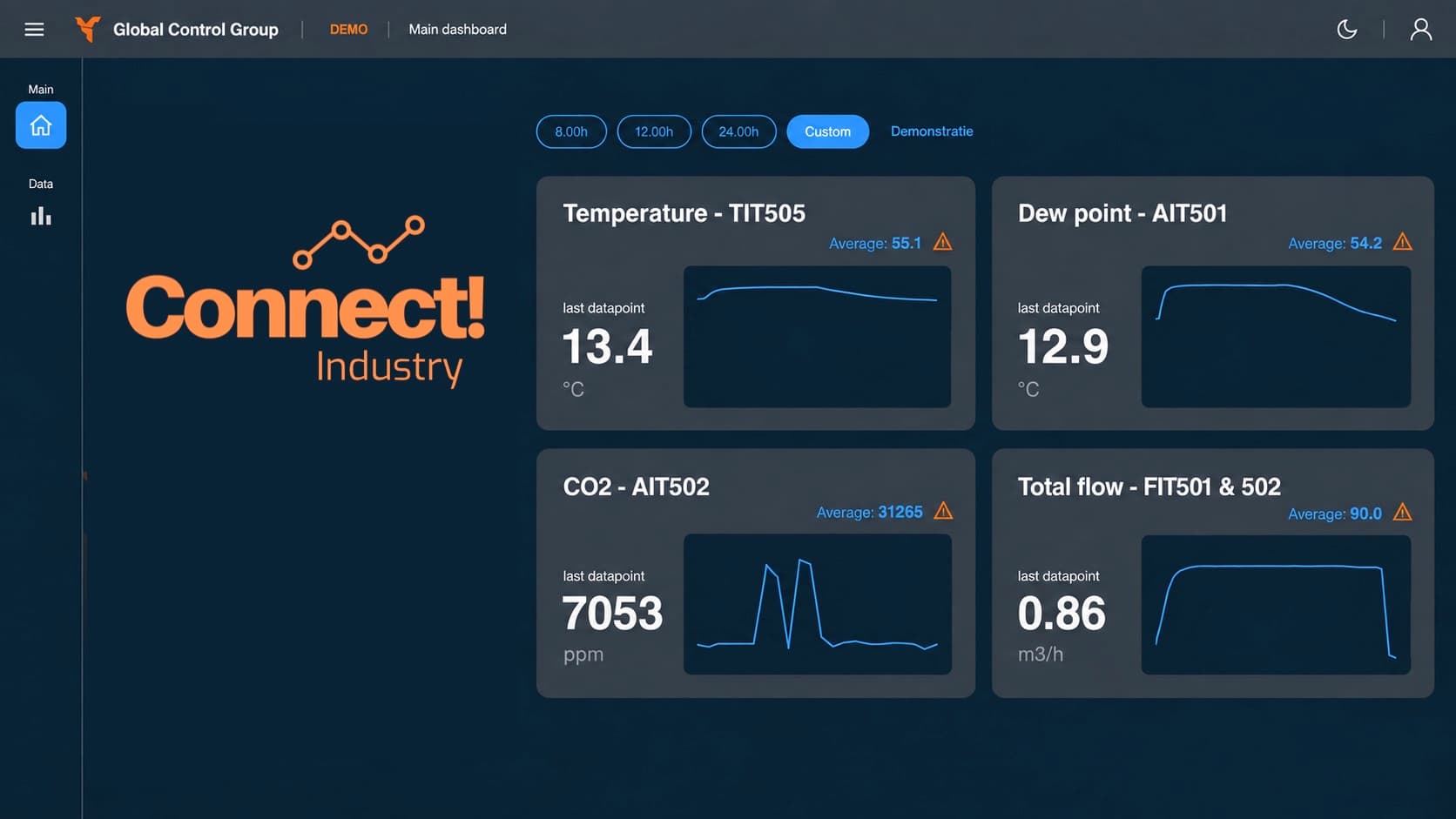
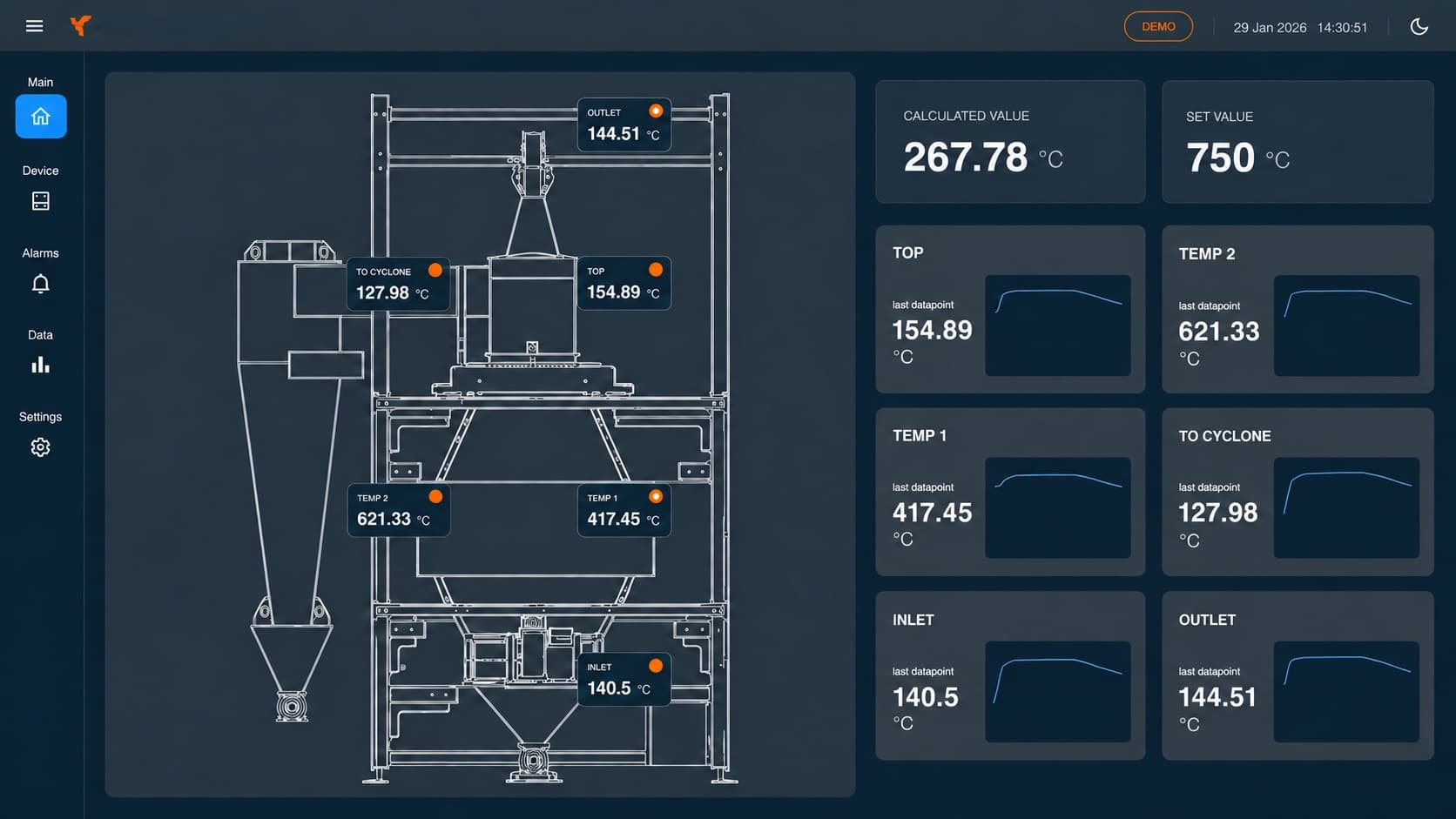
Example screens; we set up the layout for each installation.
In development: CONNECT! on the water.
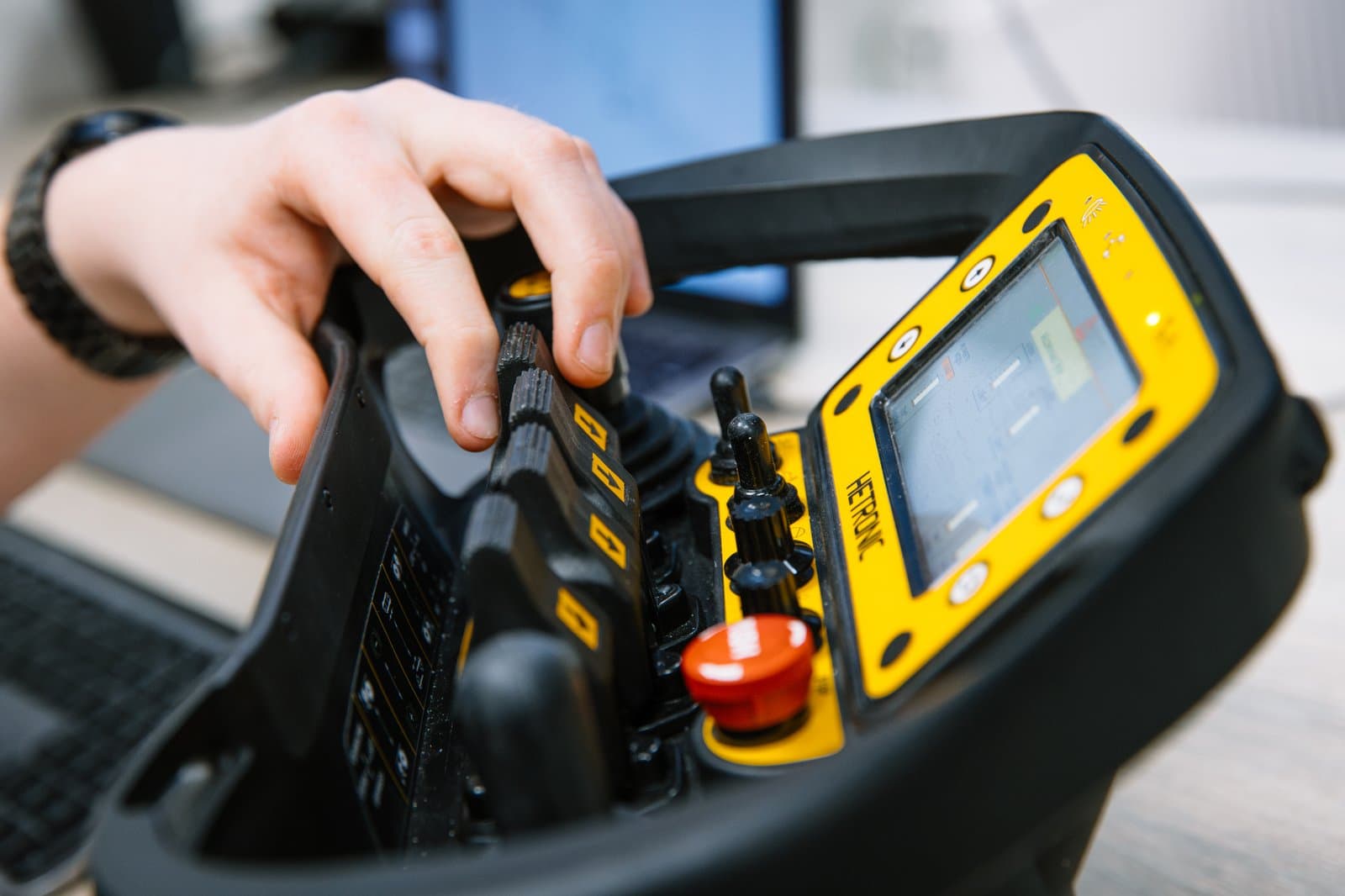
Alongside CONNECT! Industry, GCG develops CONNECT! Marine. A dedicated setup in the workshop, with Nick at the controls of the sailing simulator.
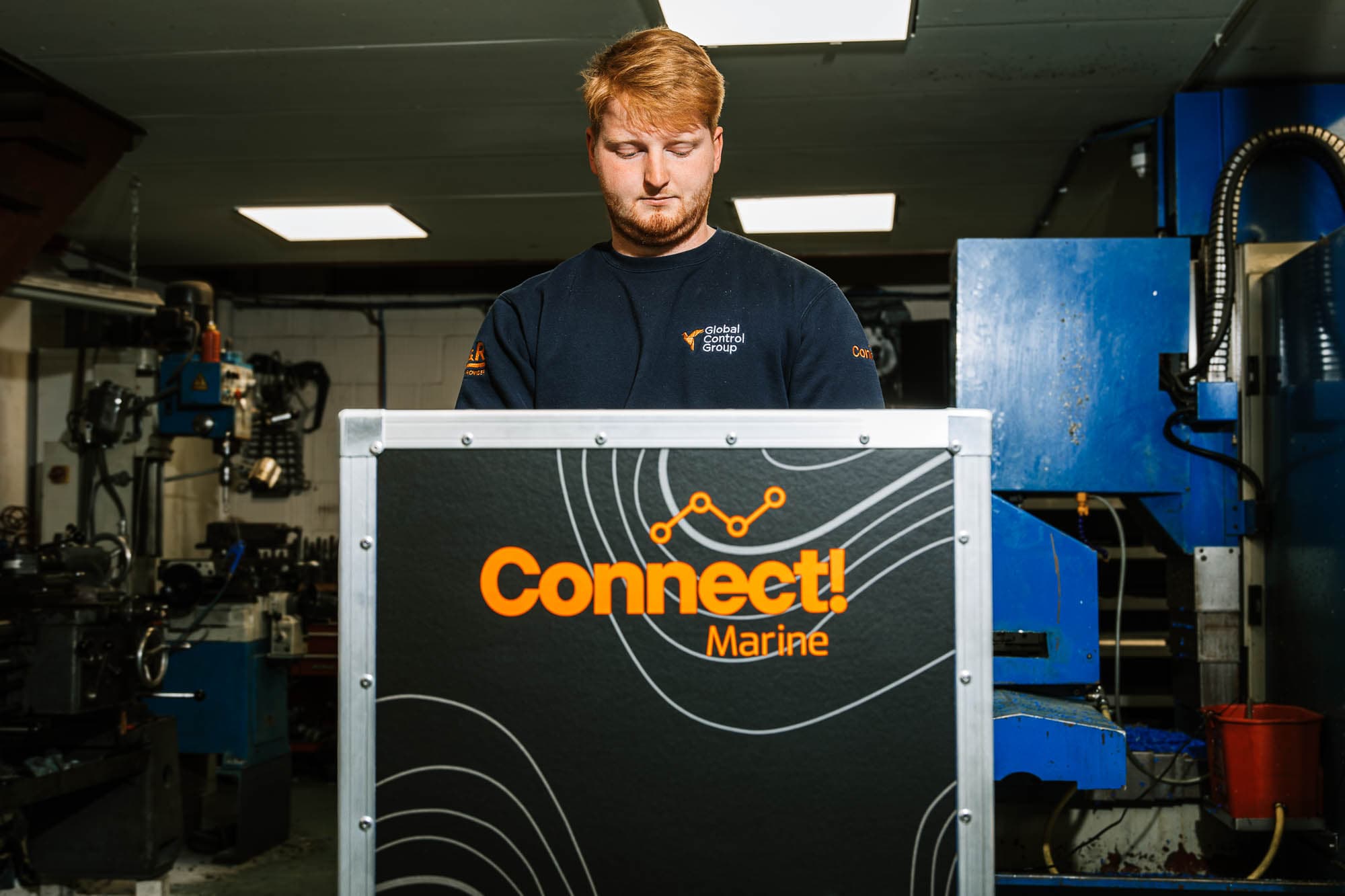
PLC connection and IT configuration.
Raymond works on PLC and sensor connections. Jurn works on the software and IT configuration. Signal selection, network access and server configuration are matched to the installation.
Connect! · Everox
Applied in practice.
Connect! on a Thermal Mechanical Separator: Everox
First Connect! deployment, on an installation processing concrete waste.
Connect! V2 on a carbonator: Everox
Monitoring for a CO₂-reduced cement replacement production line.
Connect! remote monitoring 2,000 km away: Everox, Ukraine
Real-time sensor data from a machine 2,000 km away, managed remotely through Connect!.
Circular Concrete Machine
PLC data over 4G and VPN to storage, dashboards and monitoring. Explore the project story with images of the machine, communication hardware and process data.
CONNECT! · Product development
Product development: frontend and backend.
John Tol
John works on the frontend of CONNECT!, Global Control Group's data platform. He develops the UI design and works on new features for CONNECT!.
Brayn Geijs
Brayn works on the backend and database of CONNECT!, Global Control Group's data platform. He develops the underlying software and is also a PHP specialist.
Technical considerations
We configure protocol selection, PLC access, buffering, hosting and security for each installation.
Alerts support monitoring and response. They do not replace machine safety functions.
Data retention, access rights, hosting, connectivity and support are set out in the project agreement.
What needs to change in your installation?
Tell us what is already installed and what you are running into.